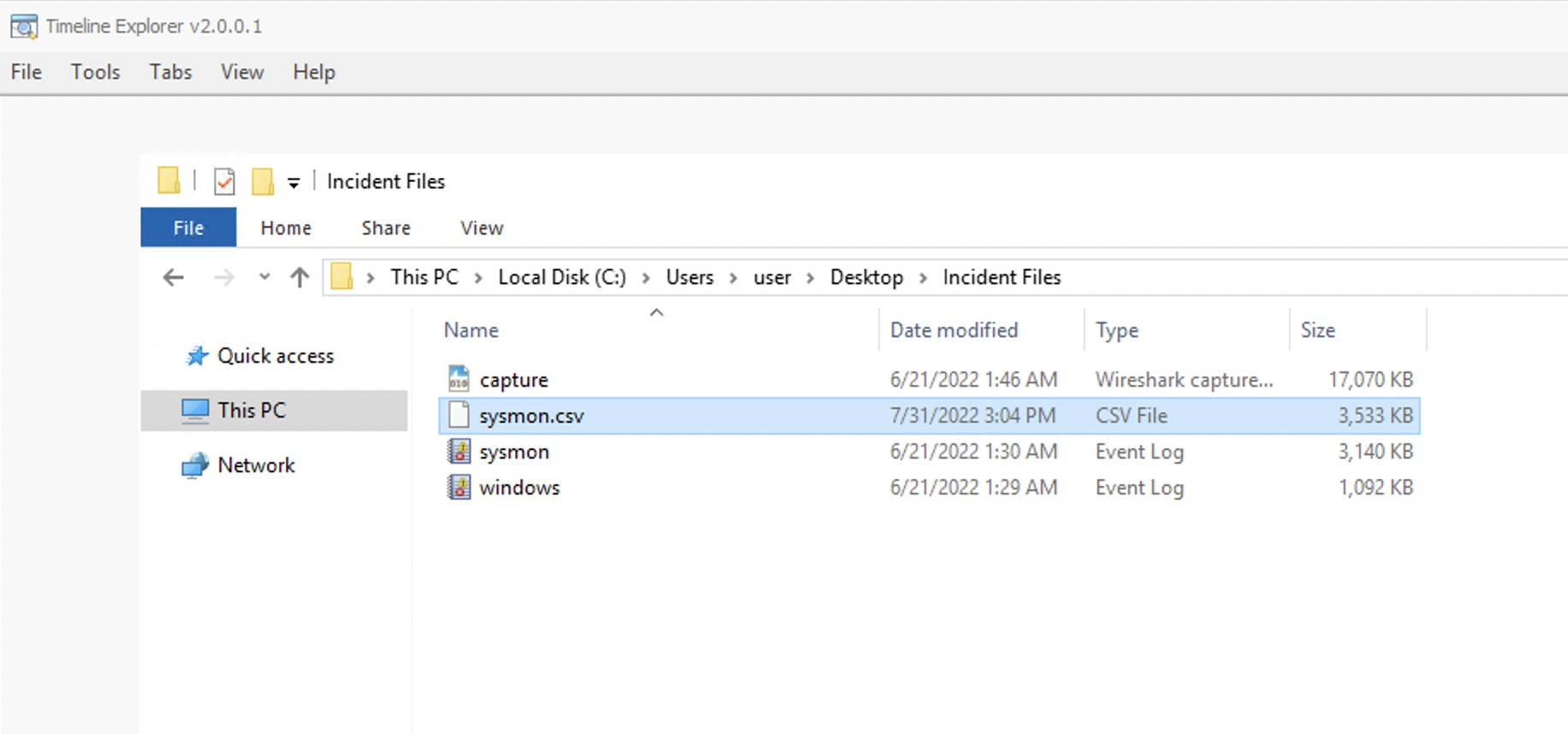
For TimelineExplorer.exe, we can load the exported CSV file by doing the following: File > Open > Choose sysmon.csv from C:\Users\user\Desktop\Incident Files directory
Once the logs are loaded, you may navigate through each column and use the input field to filter specific logs via a unique string.
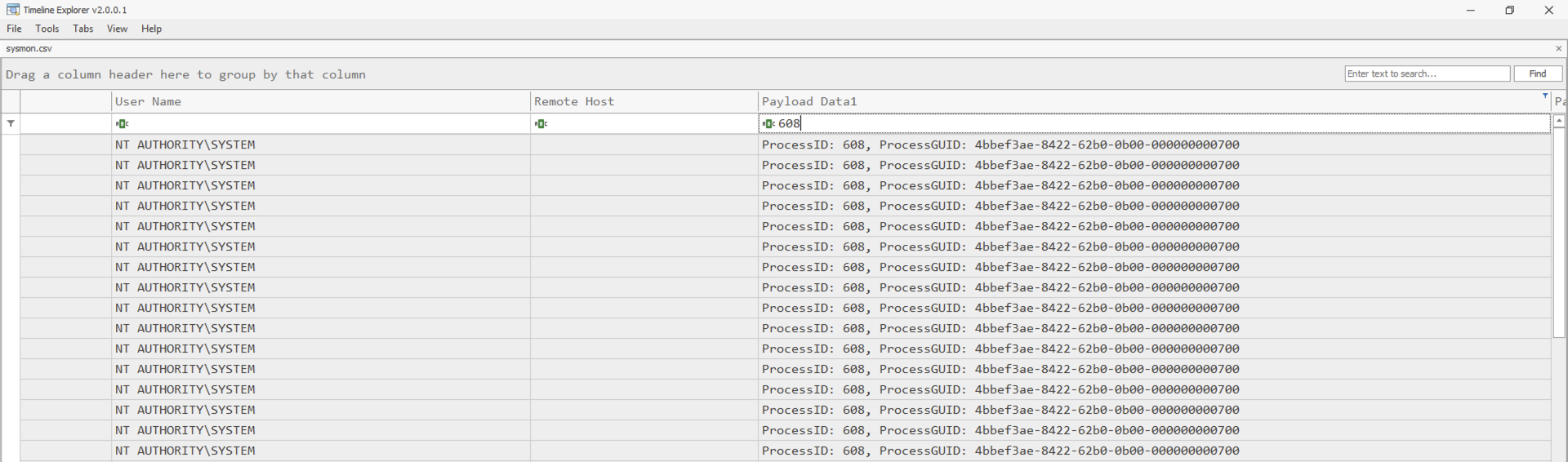
Lastly, you may use the search feature in the upper right-hand corner to find a unique string that may exist on any column.
SysmonView